1. What is HostBill?
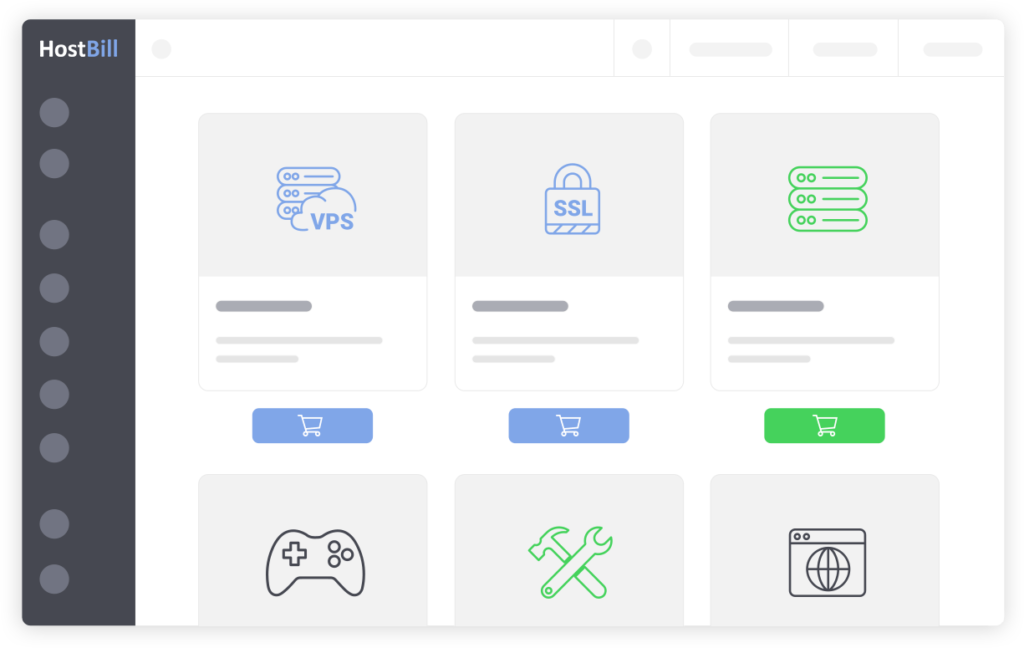
HostBillis a platformcustomer and payment managementis built specifically for businesses that provide web hosting, domains and cloud computing solutions. Developed by HostBill Apps, HostBill automates the sales process, manages resources and delivers customer support from a single interface. It suits businesses that want to streamline operations and improve the customer experience.
HostBill offers a broad feature set — billing automation, hosting account management, cloud service management and payment gateway integration — which reduces operating cost and improves operational efficiency for a business.
2. Benefits of Using HostBill
2.1. Automating the sales and payment process
HostBill automates everything from order management to payment, letting a business process orders, generate invoices and send notification emails automatically, saving time and reducing errors.
2.2. Comprehensive Customer Management
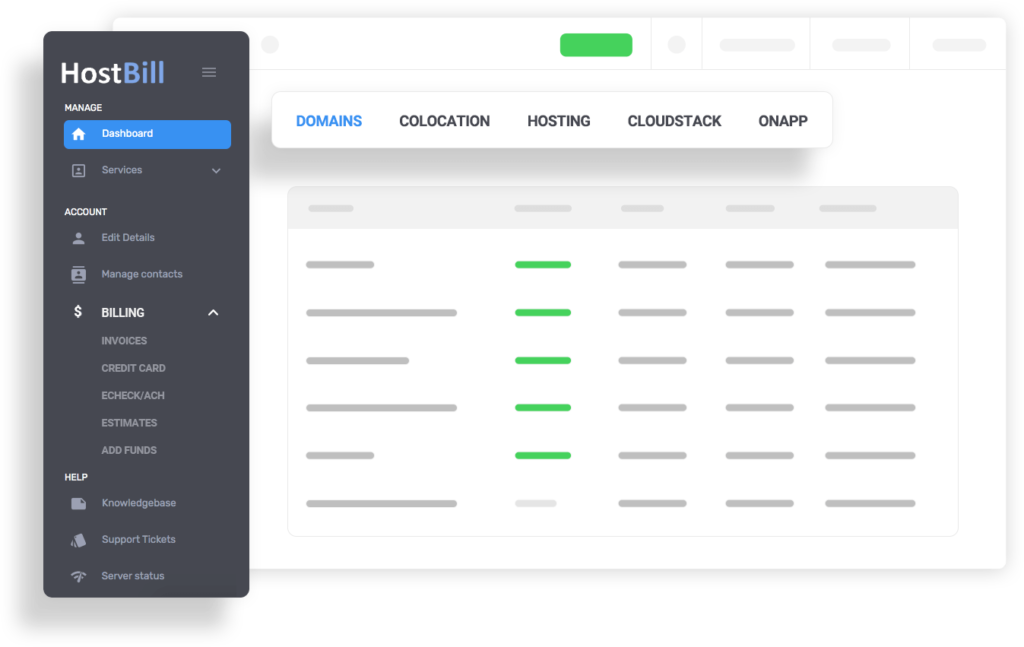
HostBill includes a customer account management system that tracks each customer's payment history, purchased products and service status, which improves support and helps maintain the customer relationship.
2.3. Integration with multiple payment gateways
HostBill integrates with more than 90 popular payment gateways, including PayPal, Stripe and Authorize.Net, giving customers a wide choice of payment methods and making the payment process smooth and secure.
2.4. Cloud and server resource management
HostBill can manage cloud services, VPS and Dedicated Servers. With its built-in integrations, businesses can provision services quickly and manage resources efficiently.
2.5. Integrated customer support system
HostBill includes a built-in ticketing system that lets customers submit support requests and administrators resolve them quickly. This feature improves the customer experience and reduces incident resolution time.
3. Key HostBill features
HostBill offers a broad feature set that streamlines customer management and hosting service operations:
3.1. Automatic invoice generation
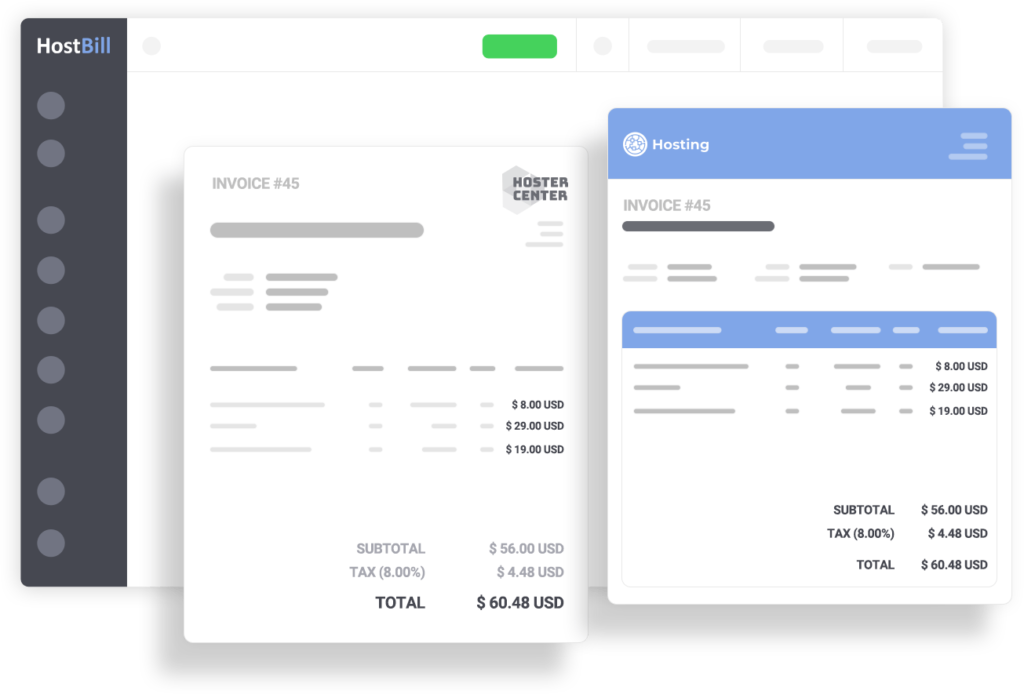
HostBill automates invoice generation and recurring billing for hosting services, domains or any other service a business offers, saving time and improving management efficiency.
3.2. Hosting account and domain management
HostBill integrates with popular hosting and domain providers such as cPanel, DirectAdmin, Enom and ResellerClub, allowing hosting and domain accounts to be registered, renewed and managed automatically.
3.3. Customer Support System
With its integrated ticketing system, HostBill lets customers submit support requests and track their progress. This feature helps businesses improve customer service and build customer trust.
3.4. Server Resource Management
HostBill manages both physical and virtual server resources, covering provisioning, configuration and performance monitoring, so a business can keep control of its resources and run more efficiently.
3.5. Integrate security features
HostBill provides strong security features such as two-factor authentication (2FA), access control and data encryption, protecting customer accounts and keeping the system secure.
4. HostBill Installation Guide
To install HostBill you need a web server with PHP and MySQL; follow these steps:
Step 1: Register and Download HostBill
Go to the HostBill website and create an account. After registering, download the HostBill installer.
Step 2: Upload Files to the Server
Use FTP or SFTP to upload all HostBill files to the web server's document root (usuallypublic_html).
Step 3: Create a MySQL Database
Open cPanel or a database administration tool to create a new MySQL database, and note the login credentials.
Step 4: Run the HostBill installer
Open a browser and go to the HostBill URL (for example:http://yourdomain.com/install) to start the installation. Follow the step-by-step instructions and enter your database details.
Step 5: Log in to the HostBill control panel
Once installation is complete, you can open the HostBill control panel to configure and manage services.
5. Comparing HostBill with WHMCS and Blesta
| Features | HostBill | WHMCS | Blesta |
|---|---|---|---|
| Service automation | Yes | Yes | Yes |
| Payment gateway integration | Yes | Yes | Yes |
| Multi-Account Hosting Management | Yes | Yes | Yes |
| Cost | Cao | Average | Low |
| Target users | Large enterprises | Medium and large enterprises | Small businesses |
HostBill is known for its advanced features and deep customization, but it costs more than WHMCS and Blesta and is better suited to large businesses.
6. Notes on Using HostBill
- Customer data security: Make sure you use HostBill's security features, particularly two-factor authentication and data encryption.
- Scheduled backup: Back up data regularly to keep the system and customer accounts safe.
- Interface customization: HostBill lets you customize the interface to match your company's branding, improving the user experience.
7. The future of HostBill in the web hosting industry
HostBill continues to evolve, adding new features and integrations to meet the growing demands of the web hosting and cloud services market. With its focus on security, automation, and system integration, HostBill is expected to remain one of the top choices for large enterprises managing hosting and domains.
8. Conclusion
HostBillis a comprehensive customer management and billing tool for web hosting, domain and cloud service businesses. With its automation, support for a wide range of payment gateways and effective resource management, HostBill helps businesses streamline operations and improve the customer experience. If you are looking for a capable management solution, HostBill is worth considering.
HostBill provides reliable, highly automated management of hosting, domain and cloud services, making it a strong tool for businesses looking to grow in this industry.
Keep reading our other articles at HiTechCloud or at Pho Tue SoftWare Solutions JSC. If you are looking to rentGPU servers, CLOUD GPU, please contact us.